Marketing managers who segment their database make more money from email. That isn’t a soft claim. The widely cited industry figure, originally from Data & Marketing Association research and referenced by Campaign Monitor and others, puts the revenue lift from segmented email campaigns at up to 760% compared to generic broadcasts.
In our experience, the real-world numbers vary by industry and list maturity, but the direction is consistent. Segmenting earns more revenue than not segmenting. Every time.
If you’re sending the same email to your whole list, you’re leaving money on the table. The question isn’t whether segmentation works. The question is whether your segments are actually doing anything for the business, or whether they exist as a checkbox in your CRM.
What Is Database Segmentation?
Database segmentation is the practice of dividing your contact database into smaller groups based on shared traits, so each group gets messaging built for them. It works by matching what you send to what each group actually cares about, which lifts engagement, conversion and lifetime value.
The traits can be almost anything you have data on. Demographics, behaviour, purchase history, lifecycle stage, geography, channel preference, industry. The goal is the same regardless of the trait. Smaller groups, more relevant messages, better numbers.
Most databases already contain enough data to start segmenting. The problem is rarely missing data. It’s missing intent.
Why Segmentation Drives ROI (Not Just Engagement Metrics)
Open rates and click-throughs matter, but they’re proxies. What marketing managers are measured on is revenue per send, customer lifetime value, retention and pipeline contribution. Segmentation moves each of those.
Email already returns more than any other digital channel. Industry studies have consistently put email ROI in the range of $36 to $42 for every $1 spent, with Litmus frequently cited for the higher end and HubSpot for the more conservative figure. Segmentation is the multiplier on top of that. Without it, you’re getting baseline returns from a channel that should be your highest performer.
Three reasons segmentation hits the revenue line.
- Relevance reduces unsubscribe and spam complaints. Both kill deliverability over time. Segmented sending protects your sender reputation, which protects every future campaign.
- Targeted offers convert at higher rates. A win-back email to lapsed buyers does not perform the same as a thank-you to first-time customers. Treating them the same flattens both numbers.
- Lifecycle messaging scales. Once segments exist, automation can carry the load. Campaign Monitor states that automated emails generate 320% more revenue than non-automated sends, based on their own platform data, and automation depends on having segments to trigger against.
The biggest hidden cost of not segmenting isn’t the campaign you just sent. It’s the customers you trained to ignore you.
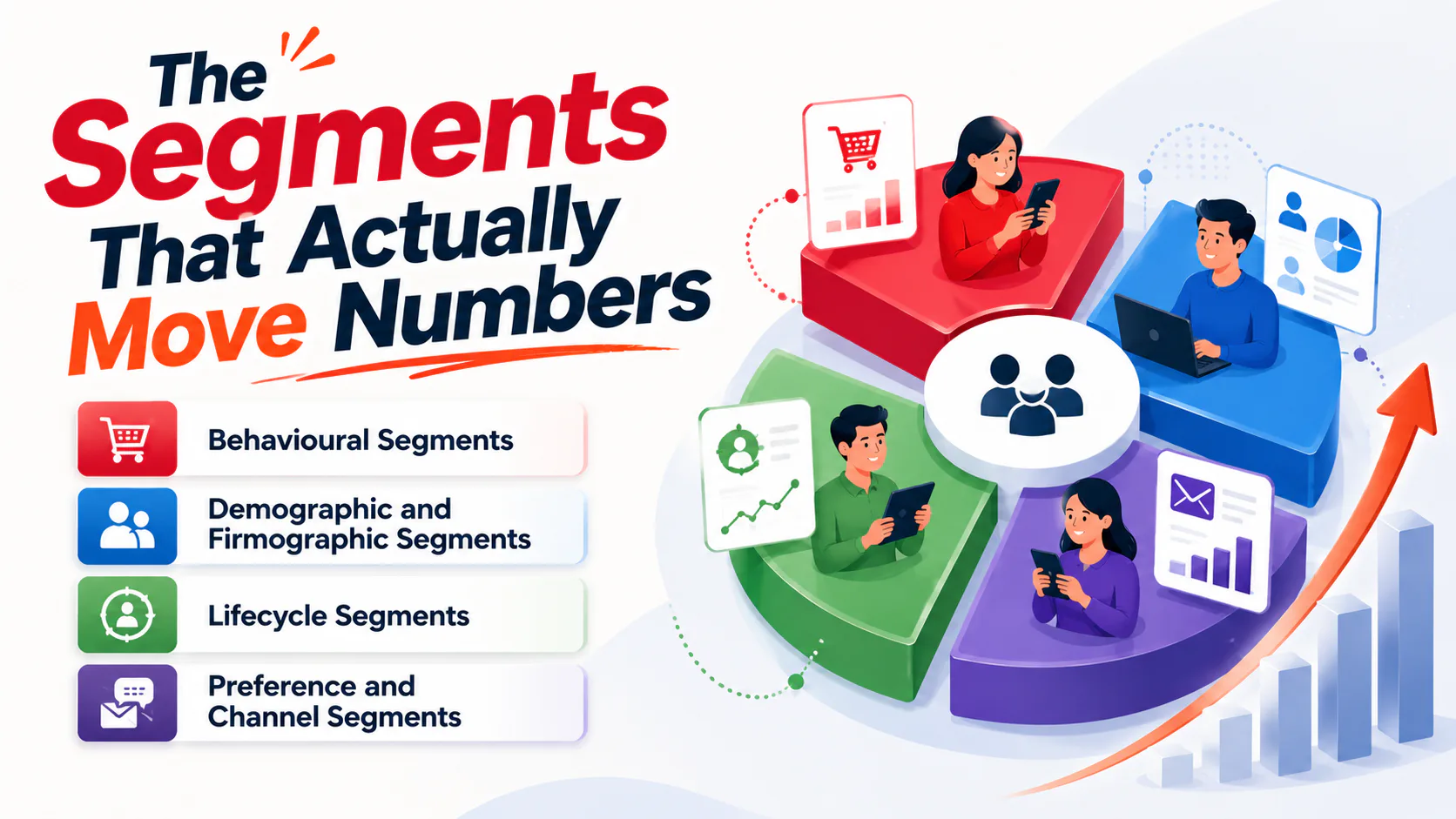
The Segments That Actually Move Numbers
There are dozens of ways to slice a database. Most marketing managers don’t need dozens. They need three or four segments that map to real decisions the business makes.
Behavioural Segments
Behavioural segments are usually the highest-value starting point because they reflect intent, not just identity. What someone has done predicts what they’ll do next better than who they are on paper.
Useful behavioural segments include recent buyers (last 30, 60, 90 days), lapsed customers, high-value customers by lifetime spend, cart abandoners, content downloaders who haven’t bought, and email engagement tiers (highly engaged, occasionally engaged, dormant).
Demographic and Firmographic Segments
For B2C, demographic segments cover age, gender, location, income bracket and life stage. For B2B, the equivalent is firmographic. Company size, industry, role, and region. Most marketers use demographic data as a baseline, which makes sense. It’s easy to collect at signup and easy to action.
Demographic segments work best as a layer on top of behavioural ones, not as the only filter. “Buyers in QLD” is more useful than “Everyone in QLD.”
Lifecycle Segments
Lifecycle segments group people by where they sit in the journey. Prospect, new customer, repeat customer, advocate, lapsed. This is where most retention revenue lives. The win-back email to a six-month-lapsed customer is not the same message as the welcome to a new subscriber, and treating them the same is how you lose both.
Preference and Channel Segments
Some people want weekly, while others want monthly. Some want product updates and not promotional content. A preference centre lets subscribers self-select, which is the cleanest segmentation data you’ll ever get because they gave it to you.
How to Start Segmenting Without Boiling the Ocean
Marketing managers rarely have time for a six-month segmentation project. Here’s the lean version.
Audit What Data You Already Have
Before collecting anything new, look at what’s in your CRM, ESP and analytics. Most databases have more usable data than the team realises. Purchase history, email engagement, source of signup, location, last activity date. Start here.
Pick One or Two Segments That Map to a Business Problem
Don’t build twenty segments because the platform lets you. Pick the ones tied to a problem you can name. A few examples.
- Cart abandoners aren’t converting? Segment them and run a recovery sequence.
- Repeat purchase rate is flat? Segment by last purchase date and build a win-back flow.
- Email engagement is dropping list-wide? Segment by engagement tier and re-engage the middle tier before they go dark.
One segment that solves a real problem beats ten that look impressive in a deck.
Build, Send, Measure
Create the segment in your ESP or CRM. Build a campaign or sequence for it. Send. Measure against the same metric you’d use for an unsegmented campaign, plus revenue per recipient. If the segmented version beats the broad version, you have proof. If it doesn’t, your segmentation logic or your content needs work.
Keep Segments Dynamic, Not Static
People move between segments. A new customer becomes a repeat customer. An engaged subscriber goes quiet. If your segments are static lists pulled six months ago, they’re already wrong. Dynamic segments update automatically based on criteria, which is what every modern ESP and CRM supports. Use them.
Common Segmentation Mistakes Marketing Managers Make
Most segmentation failures aren’t strategic. They’re operational.
- Over-segmenting. Twenty micro-segments that each get one email a quarter is worse than four solid segments getting monthly attention.
- Segmenting without changing the content. Sending the same email to “high-value customers” and “everyone else” defeats the point.
- Letting segments go stale. Without dynamic updates, segments decay fast.
- Not measuring segment-level performance. If you can’t see revenue per recipient by segment, you can’t improve.
- Treating segmentation as an email team task. It’s a business question. Operations, sales and product all benefit from a well-segmented database.
Is Segmentation the Same as Personalisation?
Segmentation and personalisation are used interchangeably. But, they’re not the same thing. Segmentation groups people. Personalisation customises content for individuals within or across those groups.
Both work, and they work best together. The 760% revenue uplift commonly cited from DMA research applies to campaigns that combine segmentation with personalisation, not personalisation alone. The personalisation lift sits on top of the segmentation lift. You don’t get the personalisation gains without segments in place first.
For most marketing managers, building solid segments delivers more value than chasing first-name tokens in subject lines.
Tools and Setup
You don’t need a new platform to segment well. Most ESPs (Mailchimp, Campaign Monitor, HubSpot, ActiveCampaign, Klaviyo) support dynamic segments natively. The question is whether your data is clean enough to feed them. If your CRM has duplicate records, inconsistent fields, and no source-of-signup tracking, segmentation will reflect that mess.
Clean the data first, then segment. Tagging at the point of capture (signup forms, checkout, lead magnets) makes every segment that follows more accurate. If the database itself is the problem, that’s worth fixing before layering on more marketing services or new tooling.
How Segmentation Connects to the Rest of Your Marketing
Segmentation isn’t only an email play. Once segments exist in your database, they can drive paid ads (custom audiences uploaded to Meta or Google), site personalisation (different homepage messaging for returning customers), and sales handoff (which leads go to the team, which stay in nurture).
The database is the asset. Email is one channel that uses it. Smart marketing managers build segments once and use them across every channel that can target them. That’s a fundamental piece of any digital strategy worth running.
This is also where data and creative meet. The segment tells you who. The content has to tell them something worth their time. Strong content marketing is what makes the segment pay off, because a perfectly targeted email with a weak offer still loses.
If your database is messier than your strategy, that’s where to start. Talk to us about your email marketing setup, and we’ll tell you what’s worth fixing first.
Get your email marketing sorted.