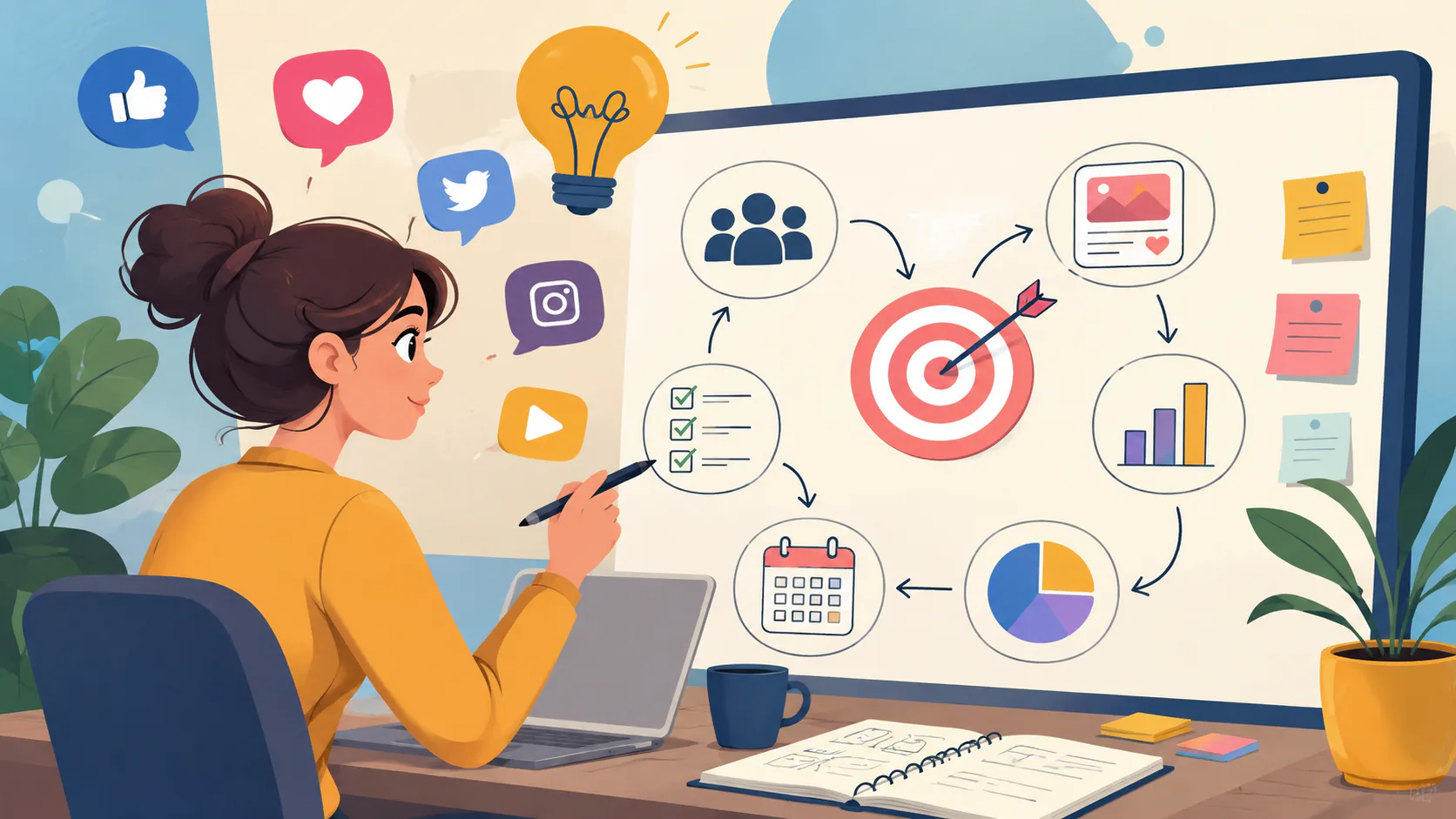
Website design is the practice of planning and shaping a website so it does a specific job for a business. It works by combining strategy, user experience, interface design, visual design and content into a plan that the right people can find, use and act on.
This process brings together four essential disciplines: strategy, user experience, visual and interface design, and content. Strategy defines the site’s purpose, user experience determines how it functions, visual and interface design shape its look and feel, and content provides its message. If any of these elements are missing, the entire site loses its balance, regardless of how well it’s built later.
What Website Design Actually Includes
The phrase “website design” gets used two ways. The narrow definition is just the visual layer. Colours, type, layout, the look of the thing. The broader definition is everything that shapes how a site is planned, structured and presented before a developer writes a line of code. We use the broader one, because the visual-only definition leaves out too much of what makes a site actually work.
Website design and website development are separate disciplines. Design decides what the site will be and how it should behave. Development builds it. The two depend on each other completely and should run together, but they’re not the same job.
There are six things in scope when we talk about website design as a complete practice.
- Strategy. What the site is for, who it’s for, and what success looks like. The part most people skip.
- Information architecture. How the site is organised. Navigation, page structure, the logic of where things sit.
- User experience design. How people move through the site and complete the tasks they came to do.
- User interface and visual design. The look and the feel. Type, colour, spacing, imagery, motion.
- Content. The words that do the actual selling, explaining and reassuring.
- Search and findability. SEO sits in design decisions as much as development. Site structure, content depth and semantic hierarchy are all designed before they’re built.
When all six are handled together and handed cleanly to development, you get a site that works. When they’re skipped or treated as afterthoughts, you get a project everyone ends up redoing in two years.
Why Website Design Matters for Business
Your website is the first long look most people will take at your business. The site. According to Stanford University’s Web Credibility Project (Fogg et al., 2003), around 75% of users admit to making judgements about a company’s credibility based on its website design. The study is old now, and the technology has moved on, but the underlying point hasn’t shifted.
Beyond credibility, a well-designed website does specific work for the business. Good sites pre-qualify leads so your sales team isn’t fielding tyre-kickers. They answer the same five questions you would otherwise answer on the phone fifty times a week. They let people buy, book or enquire at 11pm on a Sunday. Search engines learn what you do and who you do it for. And procurement teams in larger organisations take you seriously as a vendor before you ever get to the table.
A badly designed website does specific damage too. Good prospects head to your competitors before they ever contact you. Your team looks amateurish in markets where polish matters. Confusing pages create support load that someone in your business has to absorb. And the advertising spend you put behind the site burns through fast when the traffic lands somewhere that doesn’t convert.
The cost of a bad website is rarely the bill from the designer. It is the work the site fails to do for the next five years.
What Makes a Good Website Design?
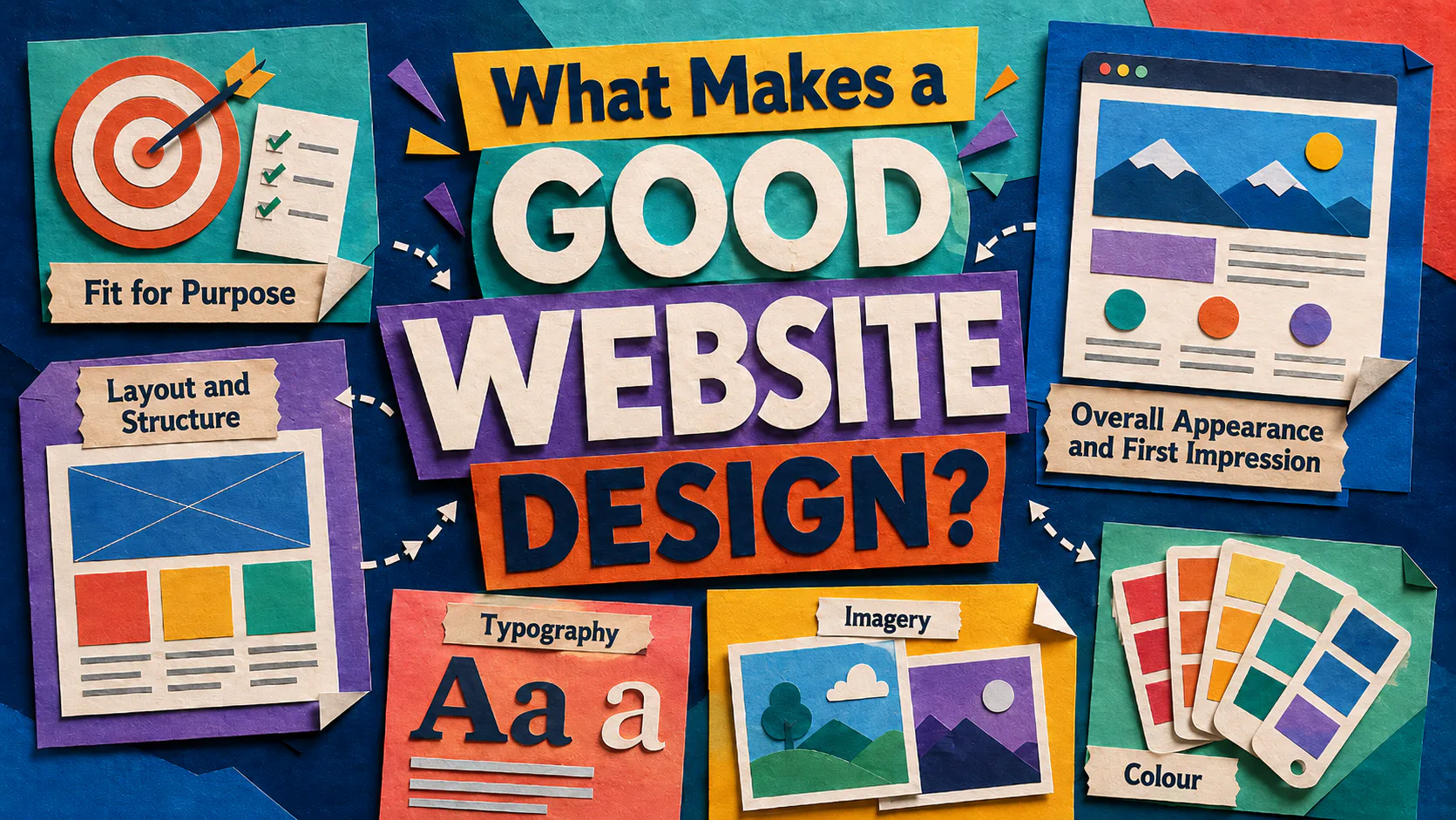
Good website design has six markers. Hit them all and the site will do its job. Miss any of them and you’ll feel it.
Fit for Purpose
Before any colour scheme or font is chosen, the purpose of the site has to be clear. Will the site generate leads, sell a product, build a brand, support existing customers, qualify suppliers? Different purposes lead to different design decisions. A lead-generation site lives or dies by its enquiry flow. A product site lives or dies by its checkout. A brand site lives or dies by the story it tells in the first scroll.
The audience matters as much as the purpose. A site selling complex enterprise software to procurement teams should look and behave nothing like a site selling consumer skincare. Get the purpose and the audience pinned down first, and the rest of the design decisions get a lot easier.
Overall Appearance and First Impression
You have less than a second to capture a visitor’s attention. If they’re not impressed in that moment, they leave and try another site. That’s not a marketing cliché, it’s well-documented user behaviour. A 2006 study by Lindgaard et al. at Carleton University found that visitors form aesthetic judgements of a site in 50 milliseconds.
All the visual elements have to come together to make a site that is easy to read, draws the eye to what matters, and feels like it belongs to a real business. The site doesn’t have to be flashy. It has to be clear, confident and consistent.
Layout and Structure
A well-designed site has a logical structure and a defined layout. That means deciding how text, images, video and interactive elements sit on the page, in what order, and at what size. Layout trends come and go. Grid, parallax, asymmetry, split-screen, single page. They all have their place. What every effective layout has in common is four things.
Layouts that work are simple to use, with navigation that lets visitors find what they came for without thinking too hard. They are streamlined, with enough whitespace that the eye can rest and the important elements can stand out. They are easy to scan, because visitors don’t read websites top to bottom, they scan for relevance and then read. And they are responsive, so the same site works on a desktop monitor, a laptop, a tablet and a phone without breaking.
Scannability is worth flagging on its own. Most of your visitors will not read the page. They will skim it, looking for cues that tell them whether they’re in the right place. That makes headings, subheadings, short paragraphs and clear hierarchy non-optional. Long unbroken paragraphs are where conversions go to die. For more on this, our piece on website design layout goes deeper into the principles.
Typography
Typography is the way text is arranged on the page. Font choice, weight, size, spacing between letters, spacing between lines. It looks like a small thing. It isn’t.
Typography matters for four reasons. It sets visual hierarchy, telling the reader what to look at first, second and third. The typeface, font choice, text alignment, and spacing also affect readability. It also carries brand personality, because a serif feels different to a sans-serif and a heavy display font feels different again. And it shapes user experience, because text that’s too small, too tight or too low contrast is exhausting to read on any screen.
A good designer makes typography decisions based on the brand, the audience and the device. A bad designer picks two fonts they like.
Imagery
Photos, illustrations, icons and graphics do three jobs. They reinforce the brand. They explain things words can’t. And they add visual interest that keeps people on the page.
Image choice matters more than most clients realise. Stock photography that looks like stock photography is worse than no image at all, because it signals you didn’t care enough to commission something real. Real photography, custom illustration and well-considered iconography all signal the opposite. The investment shows.
Image placement and sizing matter too. An image dropped at random adds clutter. An image placed with intent draws the eye to the next thing you want the visitor to read or click.
Colour
Colour does more than make the site look nice. It carries emotion, signals brand, draws attention to important elements and creates contrast that helps people read the page.
Good colour decisions balance four things. Brand identity comes first, because your colours should be recognisably yours across every touchpoint. Readability is next, because text and background need enough contrast to be legible by everyone, including users with low vision. Colour harmony matters, with combinations chosen from a deliberate palette rather than picked one at a time. And accessibility is non-negotiable. The Web Content Accessibility Guidelines (WCAG 2.2) set minimum contrast ratios for a reason, and meeting them is increasingly a legal expectation in Australia, not just a nice-to-have.
User Experience and User Interface Design
A site can be visually beautiful and still fail. The thing that decides whether it works is user experience.
User experience (UX) design is the practice of building a product around the needs, behaviours and goals of the people using it. It works by researching what users actually want to do, mapping how they try to do it, and removing the friction at every step. UX is what makes a site feel obvious instead of clever. The best-designed sites feel so natural that you don’t notice the design at all.
User interface (UI) design sits inside UX. It works on the bits the user directly touches. Buttons, menus, forms, controls, micro-interactions. UI design is about making sure every interactive element is easy to find, easy to understand and easy to use. A good UI tells the user what’s clickable, what will happen when they click it, and where they are in the process.
The two disciplines work together. UX defines the journey. UI defines the touchpoints along it. Get both right and the site converts. Get either wrong and you watch your analytics show people abandoning the funnel right where the friction is.
Mobile Usability and Mobile-Friendly Websites
More than half of all web traffic now comes from mobile devices. For some industries it’s closer to 80%. A site that doesn’t work on a phone is a site that doesn’t work.
A mobile-friendly site has five things in common. Text is large enough to read without pinching. Buttons and links are large enough to tap with a thumb. Images display fully without being cropped in odd places. Pages load fast on a 4G connection, not just on office wifi. And the core tasks, whether that’s enquiring, buying or booking, can be completed without switching to a desktop.
There are two main approaches to designing for mobile.
Responsive design builds one site that adjusts itself to the screen it’s being viewed on. The same code serves the same content to every device, with layout, font sizes and image dimensions adapting on the fly. Responsive is the standard approach for most business sites because it’s efficient, easier to maintain and better for SEO.
Mobile-first design flips the usual order of work. The designer designs the mobile version first, then scales up to tablet and desktop. It’s the right approach when most of your traffic is on mobile, which is increasingly the case for consumer-facing businesses. Designing mobile-first forces hard decisions about what’s actually essential, which tends to produce a better site at every screen size.
How Website Design Actually Gets Made
A proper design process moves through stages. The names vary between agencies, but the structure is consistent. Here’s what happens, in order, on a well-run project.
Discovery and strategy
Where the questions get asked. What does the business do, and for whom. What are you trying to achieve in the next twelve to twenty-four months. Where are people getting stuck on your current site. What does the data say. The output is a strategy document and a set of decisions that tell the rest of the project what the site is for.
Information architecture and wireframes
Once strategy is settled, the structure gets shaped. Sitemaps, user flows, wireframes. These are deliberately ugly, stripped of visual decisions so everyone focuses on whether the site works. This stage saves more money than any other. Catching a navigation problem in a wireframe takes ten minutes. Catching it after development has started can take weeks.
Visual design
Wireframes get turned into designs. Brand, typography, colour, imagery and interaction all get applied. This is the stage clients usually think of as “design”, but it’s the middle of the process, not the start.
Content
Real words go in. Not lorem ipsum, not placeholder copy. Real content shapes design decisions, because a heading of three words and a heading of twelve words need different layout. Content should be written or refined alongside design, not bolted in at the end.
Handover to development
Final designs, asset libraries, interaction notes and design specifications go to the development team. This is where design proper ends and the build begins. On a well-run project, designers stay involved through development, reviewing implementation and answering the questions that always come up. On a poorly run project, the designer disappears at handover, and the developer is left to make design calls they shouldn’t have to make.
Development, testing and launch
The site is built, tested on real devices and connections, checked for accessibility, performance and security, and pushed live. These are development tasks, but the design team should be part of testing to make sure what got built matches what got designed. Launch is the start of the website’s life, not the end of the project.
What Good Website Design Does for Your Business
A site that’s been properly designed does five things for the business.
Sets the first impression. The first few seconds on your site decide whether the visitor takes you seriously. A clean, confident, well-organised site signals a clean, confident, well-organised business. The opposite signal is equally clear.
Builds trust. An accessible About page, real contact details, evidence of real clients, security signals and clear privacy practices all tell the visitor that you’re a real business that does real work. Trust is the precondition for everything else.
Establishes brand identity. Your brand is the sum of everything that says who you are. Logo, colours, type, voice, photography, the rhythm of your sentences. A well-designed site pulls all of that together into something recognisable and consistent.
Supports SEO. Site structure, content depth, internal linking and semantic hierarchy are all decided in design. Page speed, image optimisation and the technical side of search performance are decided in development. Both halves matter, and Google’s algorithm increasingly rewards sites that are genuinely good for users. Designing for users and designing for search have converged.
Improves user experience. Easy navigation, fast loading, consistent behaviour, clear next steps. The cumulative effect is that visitors stay longer, do more and come back. Conversions follow.
The Different Types of Websites
Not all websites are doing the same job. Knowing which type you’re building is the first design decision.
Business websites are the most common. They tell visitors what the business does, who it’s for, and how to get in touch. They sit somewhere between a brochure and a sales tool. A good business site qualifies leads, answers common questions and gives the visitor enough confidence to make contact.
E-commerce websites sell products or services directly. They include a catalogue, a cart, a checkout and a payment gateway. E-commerce design is unforgiving, because every extra click, every confusing form field and every unclear price loses sales. Platforms like Shopify, WooCommerce and BigCommerce each have their strengths.
Educational and learning websites provide structured access to information. Schools, universities, training providers and corporate learning teams all use them. They range from simple content libraries to fully interactive learning management systems with assessments, progress tracking and certifications.
Government and not-for-profit websites serve specific public-interest functions. They prioritise accessibility, plain language and reliable access to services and information. They often have to meet stricter accessibility and privacy requirements than commercial sites.
Portals and web applications sit at the more complex end. Patient portals, member portals, intranets, dashboards and custom web applications all fall into this category. They’re built around user accounts, permissions and workflows rather than marketing content. The design challenge is structuring complex information so it stays usable at scale.
Directory and listing sites aggregate businesses, services, properties or events. The design challenge is search and filter behaviour. The user is looking for one specific thing in a list of thousands.
How to Tell If Your Current Site Needs a Rebuild
Five signals usually mean a rebuild is overdue.
Your site is slow. If pages take more than three seconds to load, you’re losing visitors who never see your content. Speed problems are sometimes fixable, but past a certain point, a rebuild is faster than a rescue.
Your site looks dated. Visual design trends shift roughly every five years. A site that looked sharp in 2018 now signals “we haven’t paid attention in a while”. That signal costs you leads.
Your site doesn’t work properly on a phone. If your mobile experience is a shrunken version of your desktop site, you’re losing more than half your traffic.
You can’t update it without paying someone every time. A modern site should give your team genuine control over content without needing a developer for every change.
Your site doesn’t reflect what the business actually does anymore. Businesses evolve. If your site is describing services you stopped offering two years ago, or missing the ones you’ve launched since, the site is working against you.
If two or more of these are true, it’s time. For more on what to watch for, our guide to whether your website is helping or hurting your business goes deeper.
A Website Worth the Investment
A well-designed website is a working part of your business, not a digital business card. It pulls in the right people, answers the right questions, and turns visitors into customers. The difference between a site that does that and a site that doesn’t is rarely the budget. It’s the thinking that goes in at the start.
If you’re weighing up a new site or a rebuild and want a straight conversation about what would actually work for your business, we’re up for it.
Talk to us about your website.