Facebook ads targeting is the process of telling Meta who should see your ads, based on demographics, interests, behaviours, past engagement, or AI-driven signals. It’s the lever that decides whether your budget reaches buyers or burns on people who were never going to convert.
Meta gives you two paths into targeting. You can define your audience yourself, or hand the work to its AI-driven Advantage+ system. Both work. The setup, the trade-offs, and how to decide between them for your paid advertising campaign are below.
A quick caveat before we go further. Targeting on its own does not guarantee a return. You still need an offer worth clicking, a creative that holds attention, and a landing page that converts. Targeting is the front door. The rest of the funnel still has to do its job.
Why Facebook Ads Targeting Matters
When your audience is well-defined, the same budget reaches more of the right people and fewer of the wrong ones. That tends to mean lower cost per acquisition, higher conversion rates, and cleaner data for your next campaign. Poor targeting does the opposite. It burns budget on impressions that were never going to convert and muddies the data so you can’t tell what’s working.
Targeting also feeds Meta’s optimisation engine. Every conversion the platform sees is a signal that helps it find more people like the ones who converted. Better targeting at the start means better optimisation later.
Manual vs Advantage+ Targeting in 2026
Meta gives you two paths. You can build the audience yourself using Detailed Targeting, or hand the work to Advantage+ and let Meta’s AI run it.
In June 2025, Meta consolidated many granular interest categories into broader groupings and removed Detailed Targeting exclusions entirely. For most performance objectives, the inputs you set in Detailed Targeting are now treated as suggestions to the algorithm rather than hard filters. The system can and does show your ads to people outside the parameters you set if it judges them more likely to convert.
In practice, that means manual targeting in 2026 is closer to “guided AI” than the strict audience control it used to be. You’re giving Meta a starting direction, not drawing a fence around your audience.
Advantage+ Audience leans into that fully. You provide some signals about your ideal customer, and the system finds people most likely to convert across Facebook, Instagram, Messenger, and the Audience Network. According to Meta, Advantage+ Audience often outperforms traditional manual targeting in their internal studies, and it now accounts for a significant share of ad spend on the platform.
Both options still appear in Ads Manager. Which one fits depends on your conversion data, your audience, and how much you want the AI to drive. We’ll come back to that decision later.
Step 1: Set Up Your Tracking Before You Touch Targeting
Before you build a single audience, install the Meta Pixel on your website and configure the Conversions API. The Pixel tracks what people do on your site after they click your ad. The Conversions API sends server-side data that browser-based tracking can miss. Together, they feed Meta the conversion signals it needs to optimise delivery and build effective audiences.
Without this in place, you can’t build website-based custom audiences. You can’t run lookalikes off your converters. And Advantage+ has nothing to learn from. You’re targeting blind.
Step 2: Start a New Campaign in Meta Ads Manager
Open Meta Ads Manager and click Create Campaign. You’ll be asked to set a few things before you get to the audience.
Campaign objective. Pick the goal that matches what you actually want. Sales, leads, traffic, engagement, brand awareness, and app promotion. Your objective shapes what targeting and optimisation options Meta gives you.
Buying type. Most campaigns will use Auction. Reach and Frequency exist for specific reach-based campaigns, but it isn’t the default for a reason.
Budget. Set a daily or lifetime budget. Be realistic. Tiny budgets don’t give Meta’s system enough room to learn, especially with Advantage+.
A/B test. Toggle this on if you want to compare creative, audiences, or placements head-to-head.
One thing to watch. If you choose Advantage+ Sales or Advantage+ Leads at the campaign level, Meta automatically applies Advantage+ Audience, Advantage+ Placements and Advantage+ Budget. That’s fine if you want full automation. It’s not what you want if you need manual control over any of those levers.
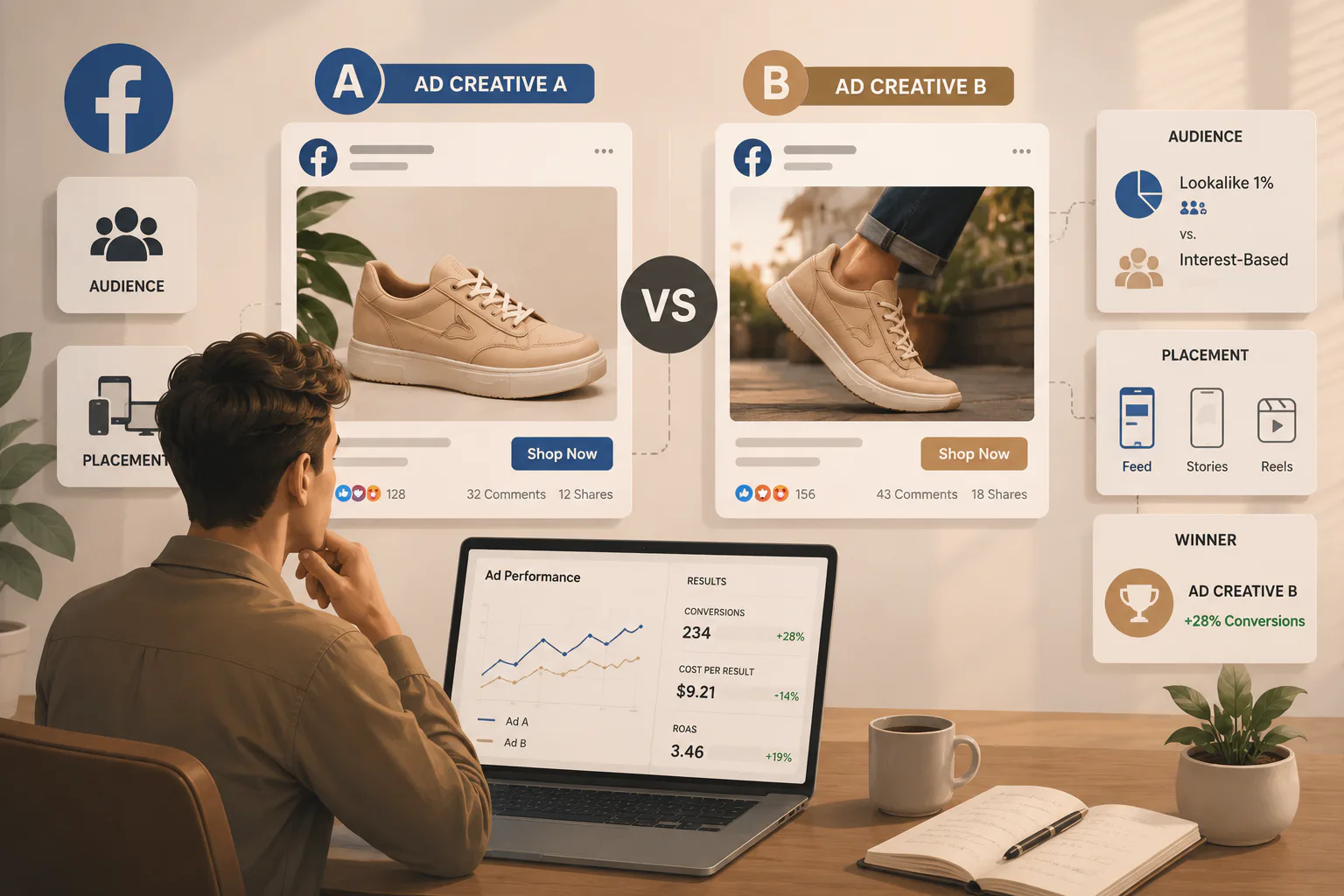
Step 3: Build Your Audience at the Ad Set Level
Move to the ad set level. This is where your targeting decisions actually live. You have three audience types to work with. Core, Custom, and Lookalike. Most campaigns use a combination.
Core Audiences
A Core Audience is built from scratch using Meta’s targeting filters. Use this when you don’t have customer data to work from yet, or when you’re testing a new market.
The filters available are:
- Location. Country, region, state, city, or postcode. You can also choose people who live in a location, were recently in it, or are travelling to it.
- Age and gender. Set the demographic range that fits your product.
- Detailed targeting. Demographics, interests, and behaviours. Note that Meta consolidated many specific interests into broader categories in mid-2025, so the very granular options some older guides reference no longer exist. The inputs you set here are also treated as suggestions for most performance objectives, not strict filters.
- Connections. Target people connected to your Page, app, or events, or exclude them.
A note on availability. Campaigns built before June 2025 that used discontinued interests stopped delivering on January 15, 2026, so check Ads Manager for warning banners on older campaigns. Special ad categories like credit, employment, housing, and political ads also restrict what you can target.
Custom Audiences
A Custom Audience is built from people who have already engaged with your business. These are warm. They cost less to convert than cold audiences, and they’re the foundation for lookalikes.
Sources include:
- Customer list. Upload emails, phone numbers, or user IDs from your CRM. Meta matches them to its user base.
- Website traffic. Built from Meta Pixel data. Target people who visited specific pages, stayed for a certain time, or added to the cart without purchasing.
- App activity. Target people based on actions inside your mobile app.
- Engagement. People who watched your videos, opened your lead forms, or interacted with your Page or Instagram profile.
Custom Audiences are where remarketing campaigns start. They’re also the seed for the next audience type.
Lookalike Audiences
A Lookalike Audience finds new people who share characteristics with an existing source audience. You give Meta a high-quality Custom Audience, and the system finds users on its platform with similar traits.
Lookalikes still exist in Ads Manager, but Meta now recommends using Advantage+ Audience with a Custom Audience as a suggestion, rather than a static Lookalike. The Advantage+ system builds dynamic, lookalike-style models in real time using more signals than a fixed Lookalike Audience can access. If you’re scaling cold prospecting in 2026, this is the direction the platform is steering.
If you do build a Lookalike, source quality matters more than size. One built from your top 500 paying customers will outperform one built from 50,000 newsletter subscribers. Feed it your best signal, not your biggest list.
Step 4: Use Advantage+ Audience Targeting (If It Fits)
If you want Meta’s AI to do the audience work, this is the option. Advantage+ Audience Targeting takes the signals you provide as suggestions, then explores beyond them to find people most likely to convert.
You can still feed it:
- A general age range or gender, if relevant
- Broad interest categories
- Custom Audiences as a starting point
- Lookalike Audiences as a seed
Meta’s system uses these as a steer, not a fence. It will go beyond them when the data says it should. The system continuously adjusts in real time, shifting budget toward the segments that respond best to your ads.
Advantage+ Audience tends to suit campaigns where:
- You’re starting fresh and want to learn quickly
- Your product appeals to a broad audience rather than a tightly defined niche
- You have at least 50 conversions per week, feeding the platform
- You’re scaling a campaign and want the system to find new pockets of demand
It tends to suit less well when:
- You’re in a regulated category with tight compliance requirements
- You’re running a small budget that limits the system’s ability to explore
- You want a deliberate, narrow starting audience and are willing to accept that even Detailed Targeting won’t enforce it strictly
Advantage+ isn’t a magic switch. It still needs a strong creative, a clear call to action, and enough budget and time to learn. Around 50 conversions per ad set per week is the rough threshold for Meta’s optimisation to stabilise. Below that, performance can stay noisy.
Step 5: Refine With Exclusions
Exclusions are the targeting decision most advertisers under-use. Knowing who you don’t want to reach is just as valuable as knowing who you do.
One important change. Meta removed Detailed Targeting exclusions in 2025, so you can no longer exclude by interest or behaviour. Exclusions in 2026 run almost entirely through Custom Audiences.
Common exclusions:
- Past purchasers. Build a Custom Audience of existing customers and exclude them from acquisition campaigns. Stops you from paying to reach people who have already converted.
- Recent leads. Exclude a Custom Audience of people who filled in your form last week from this week’s form-fill campaign.
- Page fans. For pure prospecting, exclude people who already follow you. Run engaged audiences in their own remarketing campaigns instead.
- Existing customer cap. For Advantage+ Shopping campaigns, you can now set a percentage cap on how much budget goes to existing customers, rather than excluding them outright.
Exclusions sharpen your data. Without them, your prospecting and remarketing campaigns end up competing for the same people, which inflates costs and confuses the optimisation.
Step 6: Save the Audience and Move On
Once your audience is defined, save it. Saved audiences are reusable across campaigns, which makes A/B testing cleaner and stops you from rebuilding the same segments from scratch every time.
Then move to placements, creative, and ad copy. Targeting is set. The rest of the funnel takes over.
How to Decide Between Manual and Advantage+ Targeting
Both work. Here’s a side-by-side to help you decide.
| Factor | Manual (Detailed Targeting) | Advantage+ Audience |
|---|---|---|
| Control | Inputs treated as suggestions for most objectives, not strict filters | System-led with your signals as suggestions |
| Setup time | Slower | Faster |
| Best for | Smaller budgets, niche audiences, learning what’s available | Broad-appeal products, scaling, campaigns with strong conversion data |
| Data needs | Works with limited conversion history | Needs around 50 conversions per week to perform reliably |
| Risk | Inputs may not restrict delivery the way you expect | System drifting outside your intended audience |
Most campaigns benefit from testing both. Run a manual ad set and an Advantage+ ad set against the same creative and offer. Let the data decide.
Common Mistakes to Avoid
A few patterns we see often, and what to do instead.
Going too narrow. Stacking many interest filters used to leave you with an audience too small for the system to optimise against. In 2026, it’s a different problem. Detailed Targeting inputs are suggestions, not rules, so over-stacking confuses the algorithm without actually restricting reach. Stick to three to six broad, relevant interests rather than ten narrow ones.
Ignoring tracking setup. Targeting without proper Pixel and Conversions API setup is targeting without feedback. The system can’t optimise on signals it doesn’t have.
Forgetting exclusions. Without them, your prospecting and remarketing campaigns will collide.
Switching targeting before learning ends. Meta’s system needs roughly a week and around 50 conversions per ad set to stabilise. Changing targeting mid-learning resets the clock.
Treating Advantage+ as set-and-forget. It runs on automation but still needs oversight. Creative, copy, and landing pages all need attention.
Your Next Step
Targeting is one part of a Facebook ads campaign that works. The other parts, creative, offer, landing page, tracking, and the strategy holding it all together, decide whether the targeting you set up actually pays off.
If your campaigns aren’t performing the way they should, or you’d rather hand the whole thing to a team that runs paid advertising for a living, we can help. Get in touch.